


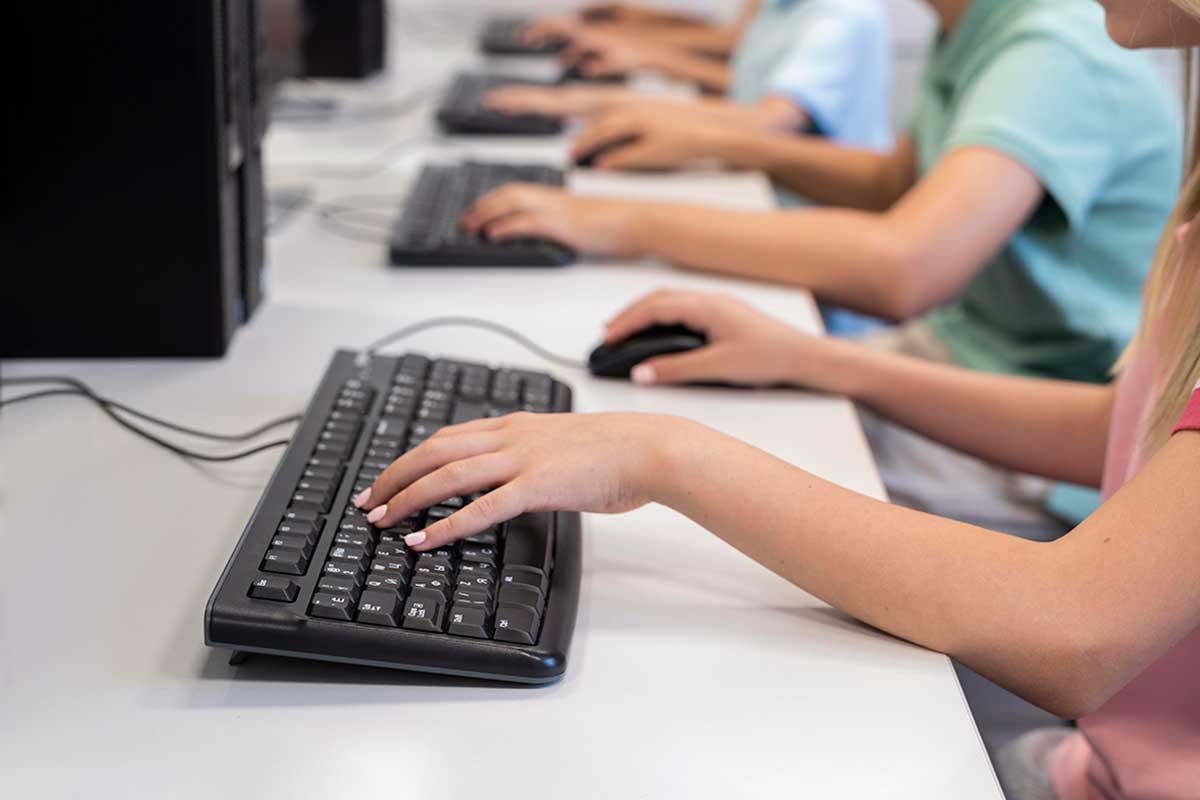
Lisbon City Council is promoting free, certified short-term training courses in Digital Skills for those who don't use computers or use them very little.
These courses are part of the Digital Inclusion and Literacy Program and aim to combat digital inequality.
Successful completion of the course(s) also entails the award of a Digital Skills Passport. The Digital Skills Passport is an innovative tool that allows its user to prove their mastery of essential digital skills by obtaining "learning medals".
See below for the dates and locations of the next events.
Participation: free of charge, by filling in the form available on this page. Places are limited and subject to confirmation.
Target audience: over 18s with little or no command of digital skills.
More information:
- E-mail: dmrh.ddf@cm-lisboa.pt;
- Telephone: +351 218 174 050;
- In person: Development and Training Department, Rua António Patrício, n.º26, 3º andar, 1749-049, Entrecampos, Lisbon.
Learning to use a computer and cell phone
In this course, you will learn how the computer, tablet and cell phone work and how to use them; how to create and save files and how to configure these digital devices.
Surfing the Internet safely
In this course you will be able to develop your digital skills to surf the internet safely and privately, identifying and preventing fake news and digital fraud.
Communicating and Collaborating on the Internet - Email, Apps and Social Networks
In this course you will be able to explore digital communication and collaboration tools, such as e-mail, social networks and videoconferencing applications, to communicate with other people and collaborate online.
Using Public Services Online and Exercising Digital Citizenship
In this course you can learn how to use online public services and exercise your digital citizenship in an informed and responsible way, using government platforms and participating in online debates.
Exploring Digital Creativity - Photo, Video and Audio Editing
In this course you can explore your digital creativity and learn how to create, edit and share multimedia content such as photos, videos and audio.
Writing and Editing Text Documents
In this course you can improve your writing and editing skills by learning how to create documents and use online formatting and collaboration tools.
Making Tables and Graphs with Spreadsheets
In this course you will learn how to organize and analyze data, create dynamic tables and graphs and use digital tools to manage budgets and other day-to-day situations.
Creating Multimedia Presentations
In this course you will be able to create effective multimedia presentations with an appealing design, learning how to integrate different types of content and how to use digital editing and design tools.
Discover Artificial Intelligence and Programming
In this course you can take your first steps into the world of artificial intelligence and programming, learning basic concepts and using free digital tools.
Learning to use a computer and cell phone
Surfing the Internet safely
Communicating and Collaborating on the Internet - Email, Apps and Social Networks
Using Public Services Online and Exercising Digital Citizenship
Exploring Digital Creativity - Photo, Video and Audio Editing
Writing and Editing Text Documents
Making Tables and Graphs with Spreadsheets
Creating Multimedia Presentations
Discover Artificial Intelligence and Programming